Essential details from your CRM
Photos, floor plans, price, building and housing company information, and the agent’s contact details come together on one property page.
Explore listing and property page layouts, additional information and Kohdenäyttö, our property display view. Choose how properties for sale or rent are presented to your site’s visitors.
Three examples below: a grid, listings beside a map and a photo-led view.
The sample property addresses, prices and contact details are fictional.
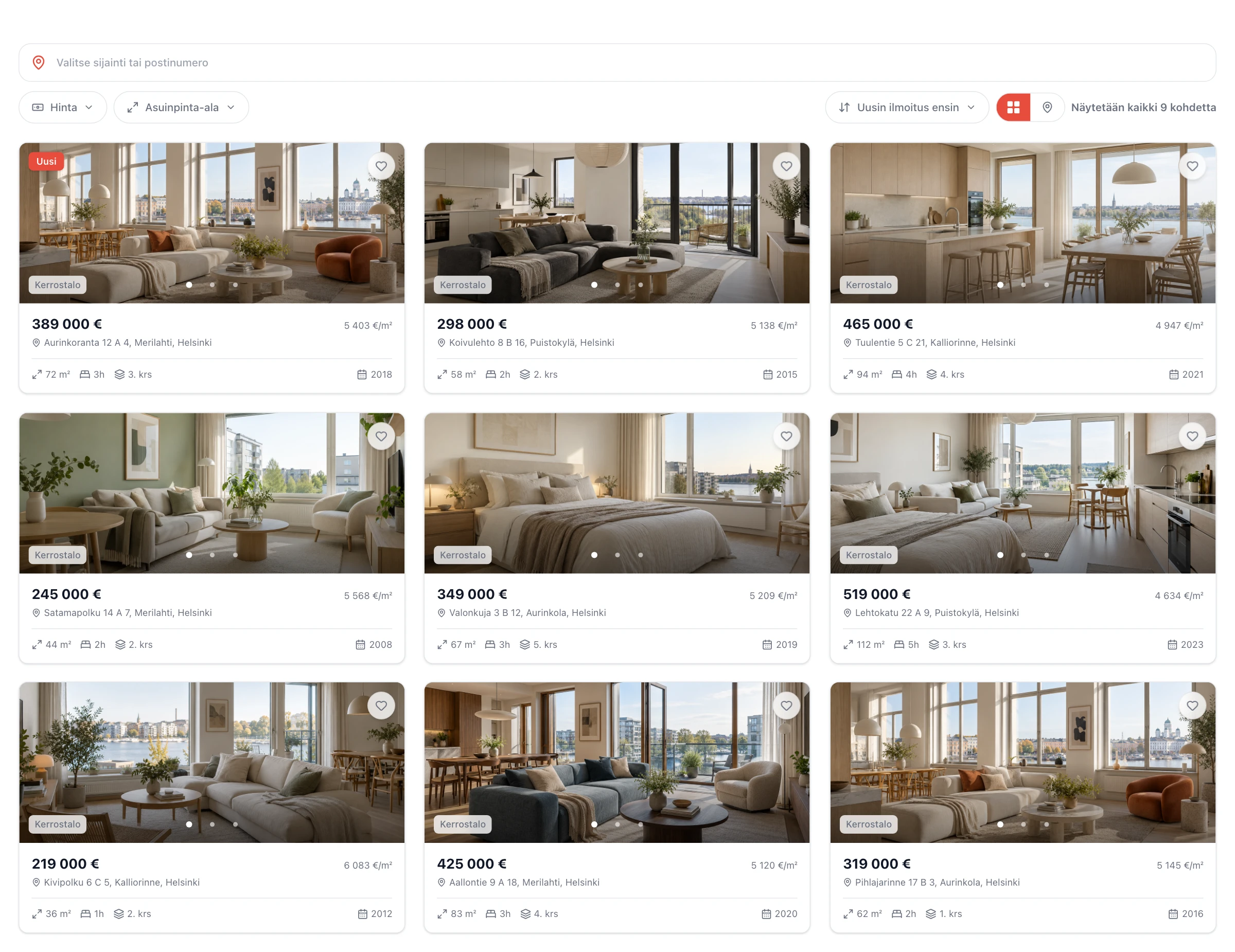
A grid, filters and essential property details.
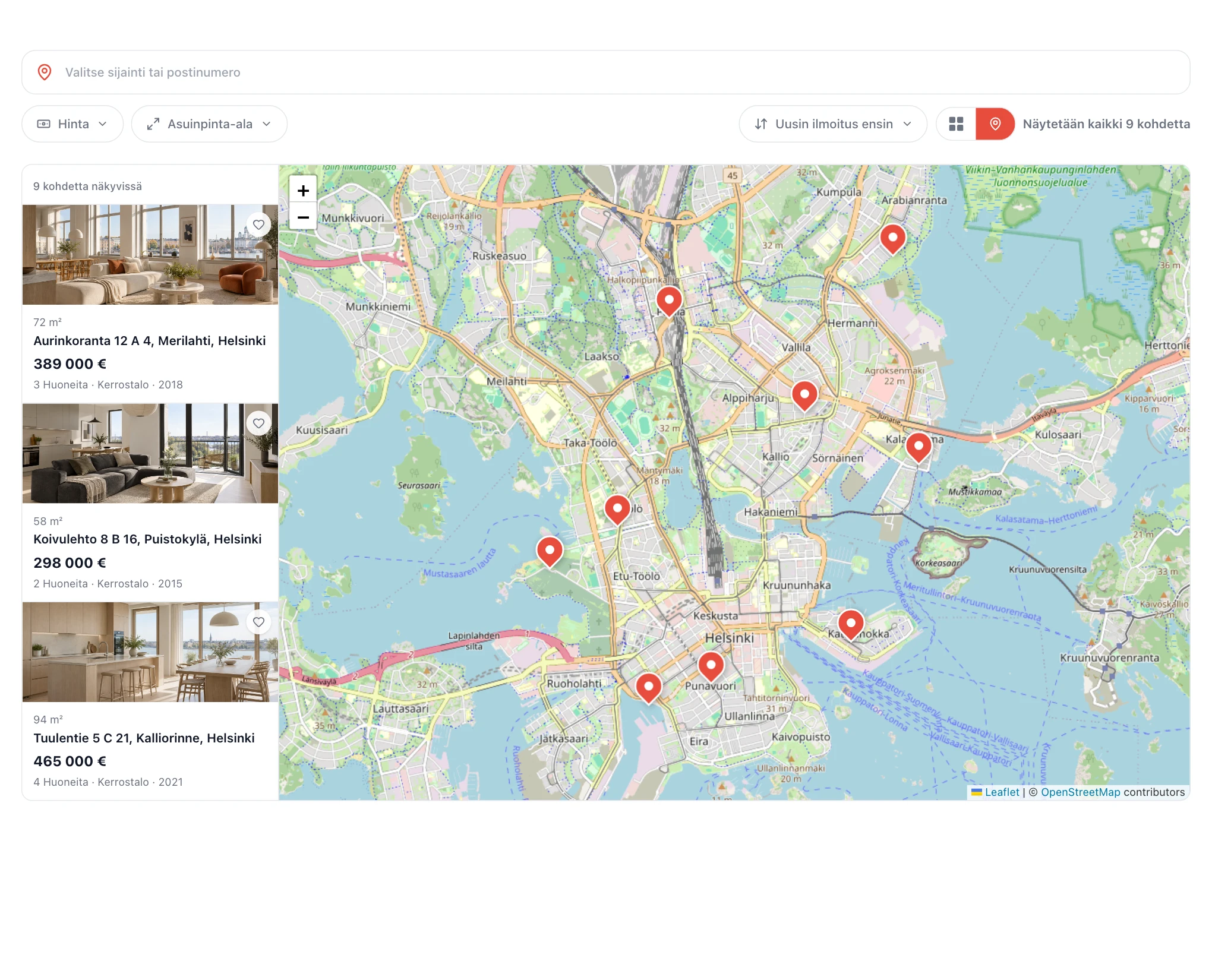
Properties and locations in one view.
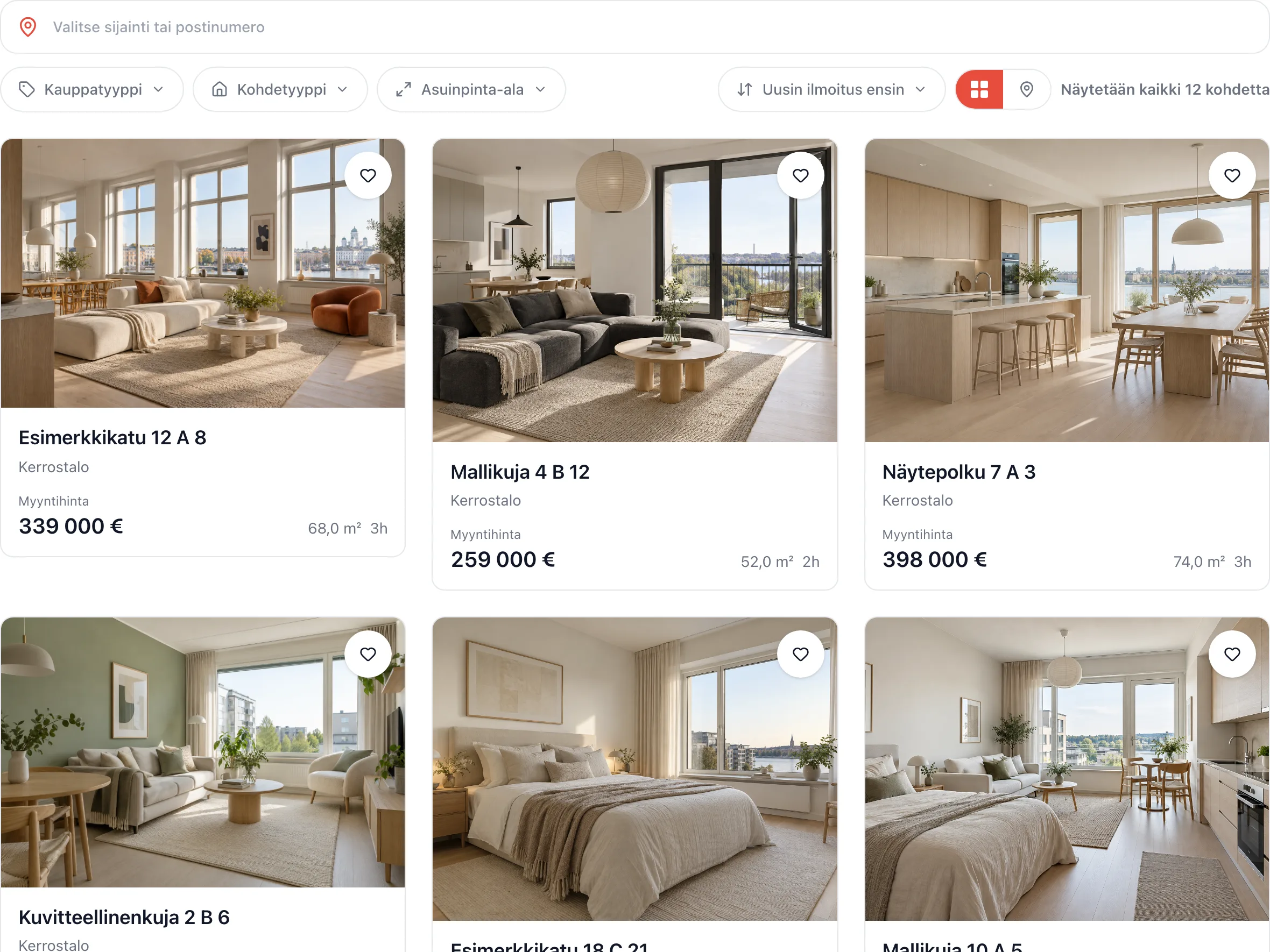
More room for property photos.
Highlight the property photo, its surroundings or a compact overview. Three examples below.
The sample property addresses, prices and contact details are fictional.
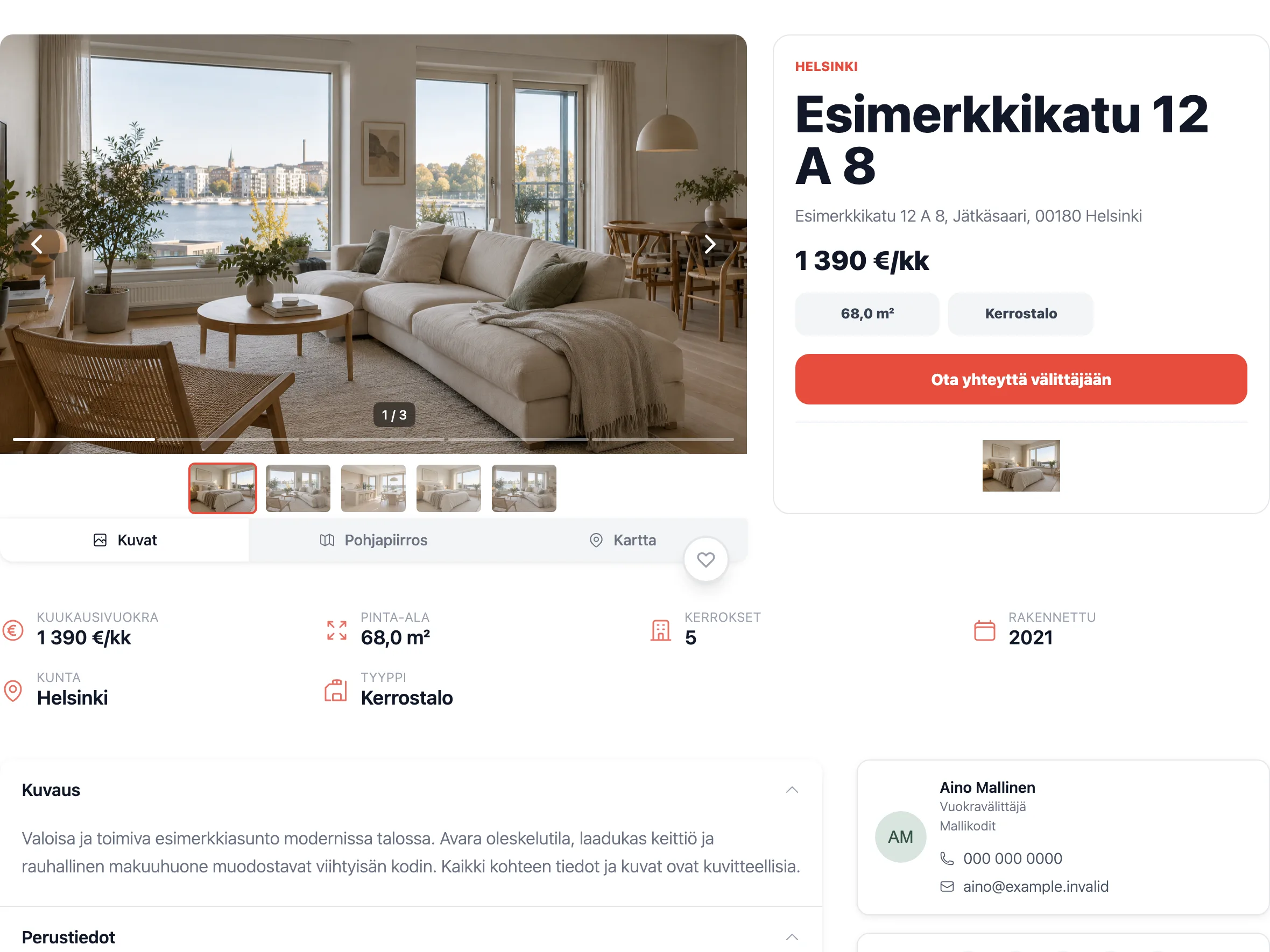
The property photo and key details side by side.
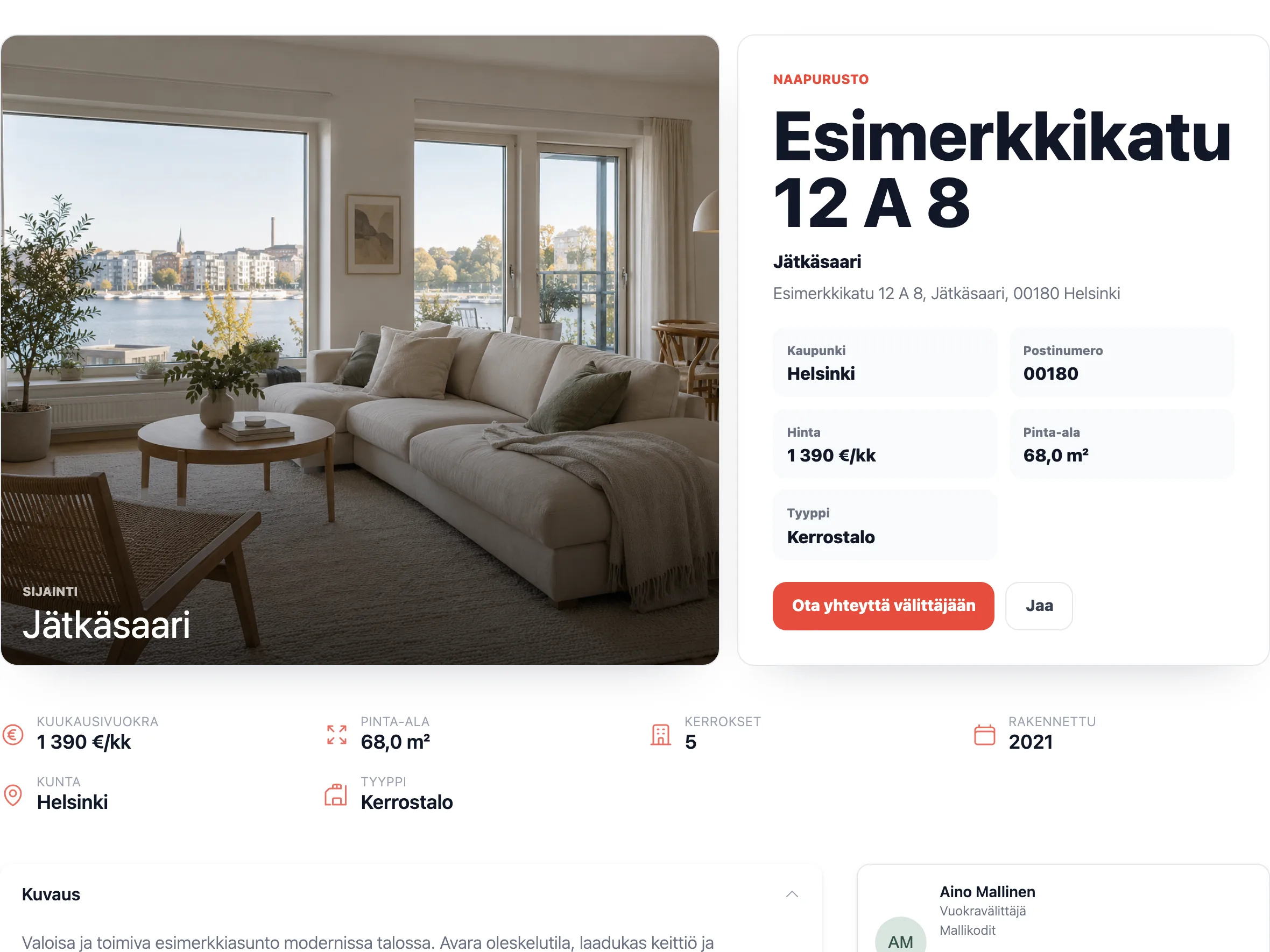
Location and available area information in view.
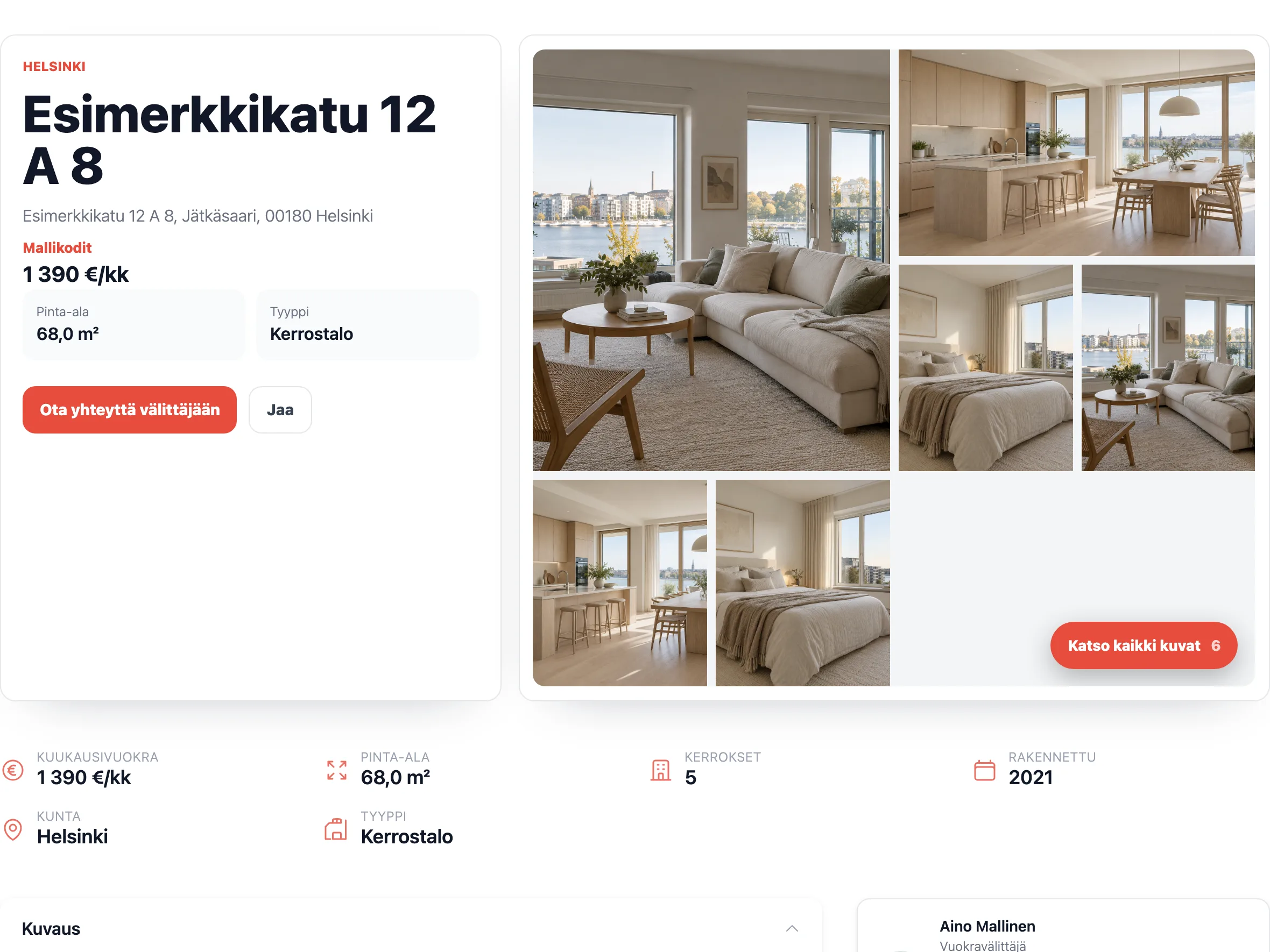
Essential details at a glance.
Helping buyers decide
Our own API service supplements CRM data with area and location information. The additional details below are displayed where available.
Photos, floor plans, price, building and housing company information, and the agent’s contact details come together on one property page.
A map, nearby services from OpenStreetMap and local demographics help visitors understand the location and everyday life in the area.
Local transaction prices per square metre and price history help with comparisons. The price trend estimate indicates a direction. It does not guarantee the future price of an individual property.
An optional visualisation shows when sunlight reaches the property and when there is less light at different times of the year.
Updates and fallbacks
Kohdesync handles data transfer and provides plugin updates through WordPress. Fallbacks account for CRM outages and missing information.
New and changed listings are fetched at the configured interval without manual copying. We adapt scheduling to your site’s technical capabilities so syncing works as reliably as possible. Update speed also depends on server scheduling and caches.
New versions and fixes are delivered through WordPress’s update system. When automatic updates are enabled on your site, the plugin updates without manual installation.
Previously synced listings are stored in WordPress and remain visible if the CRM API connection temporarily drops. New and changed information updates once the connection returns.
Fallbacks account for missing property and supplementary data so the layout stays clear when not all information is available from the source.
We test individual features, version upgrades and complete user flows before release. This helps prevent interruptions and deliver fixes faster.
Choose a layout that suits your screen. Kohdenäyttö runs in a compatible browser on a display screen or smart TV. It is enabled separately and included in the price. Below are examples of different options.
The properties and contact details shown are examples.
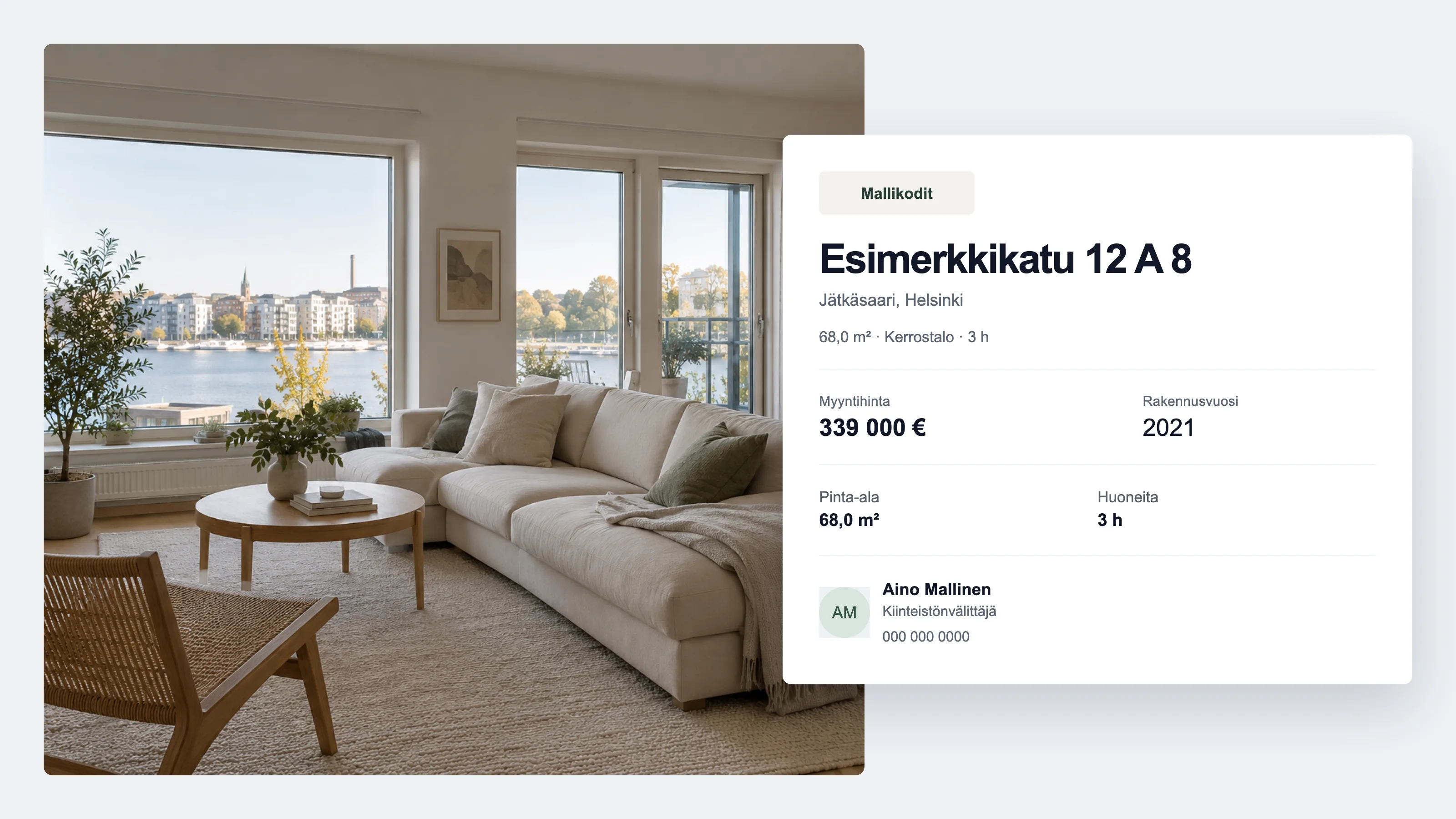
A property photo and essential details on one screen.
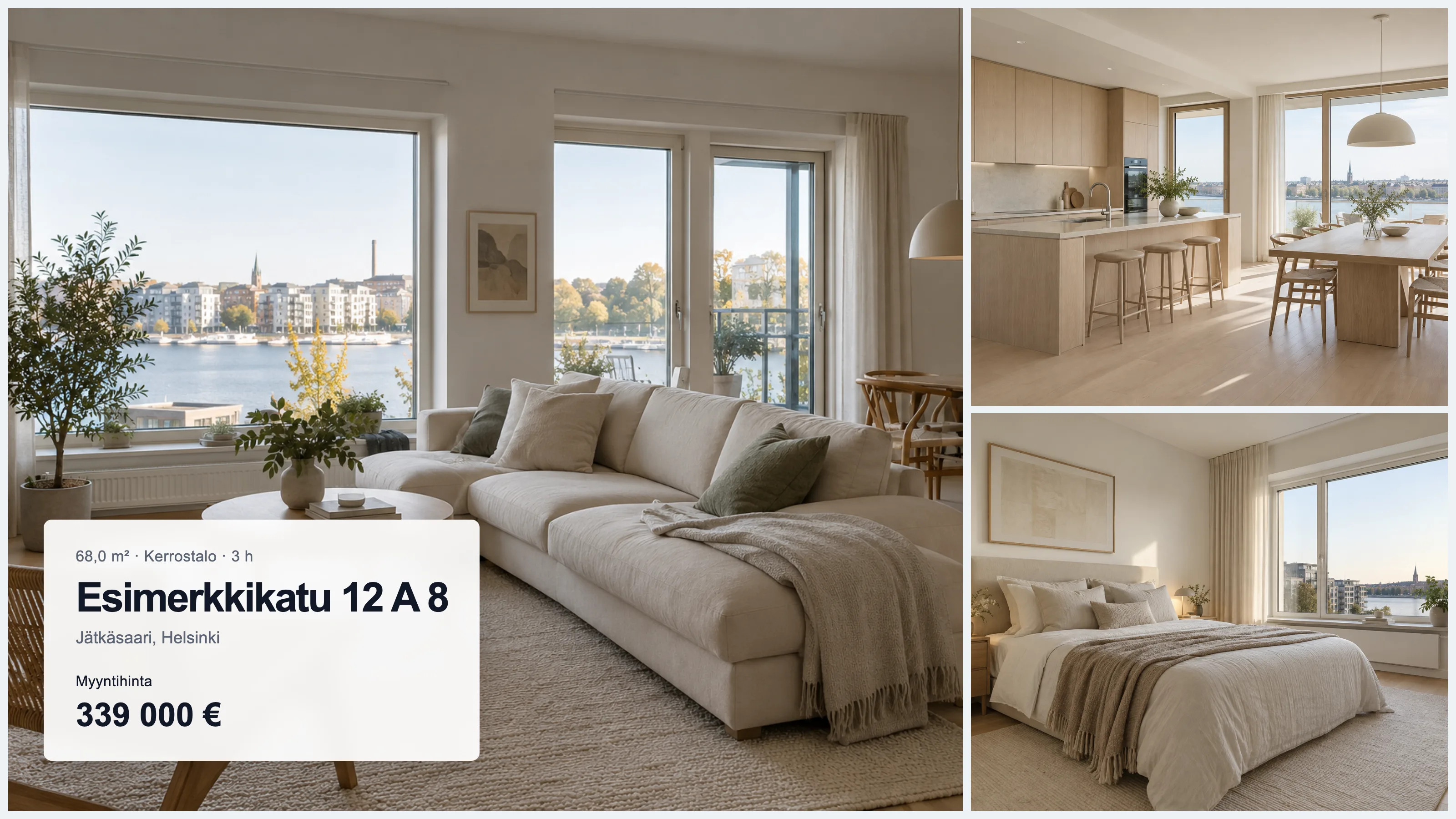
More room for photos on your display screen.
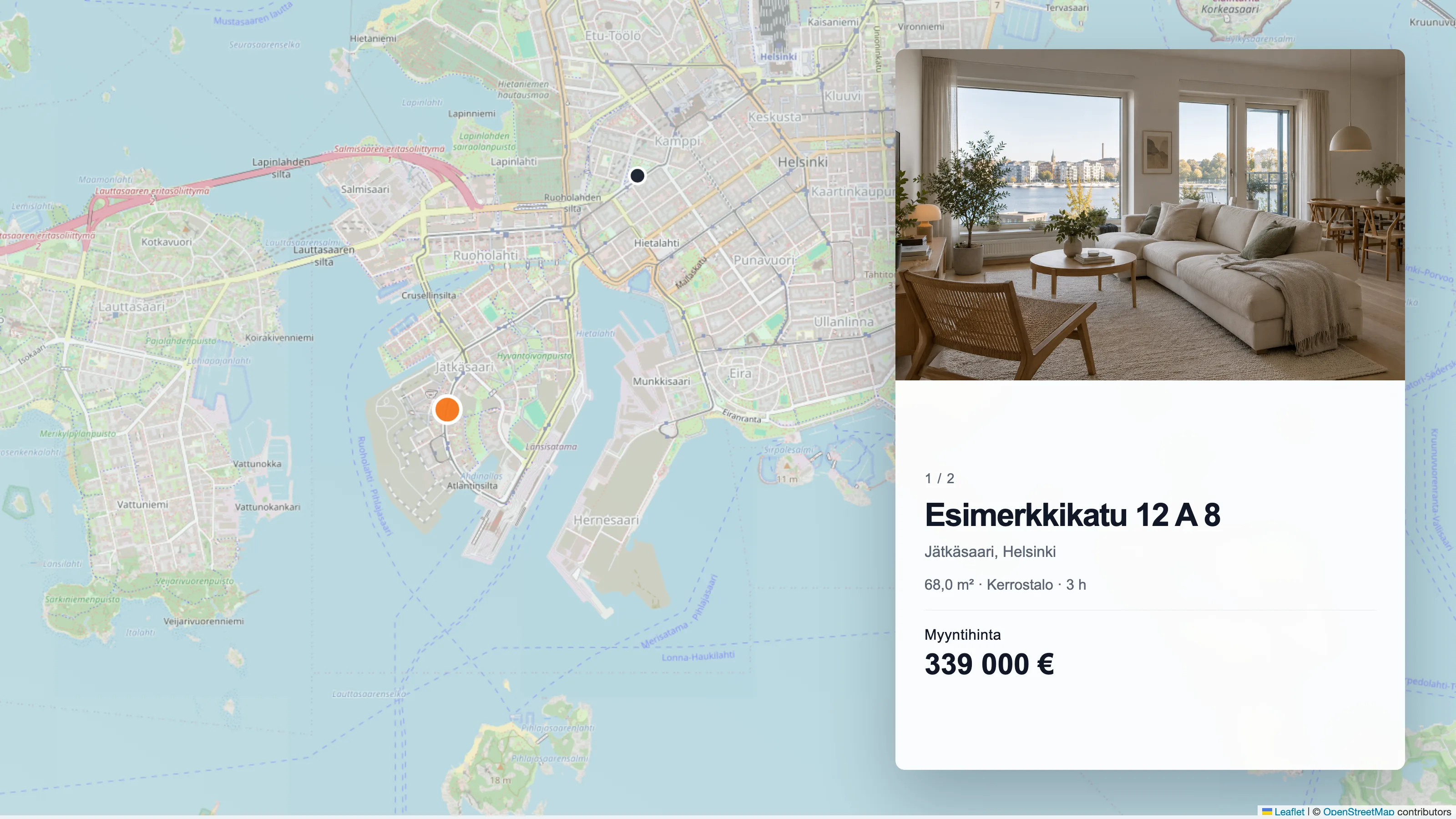
Location shown alongside the property.
We check the device’s browser compatibility during setup.
These are illustrations, not photographs of completed installations. The properties and contact details shown are fictional.
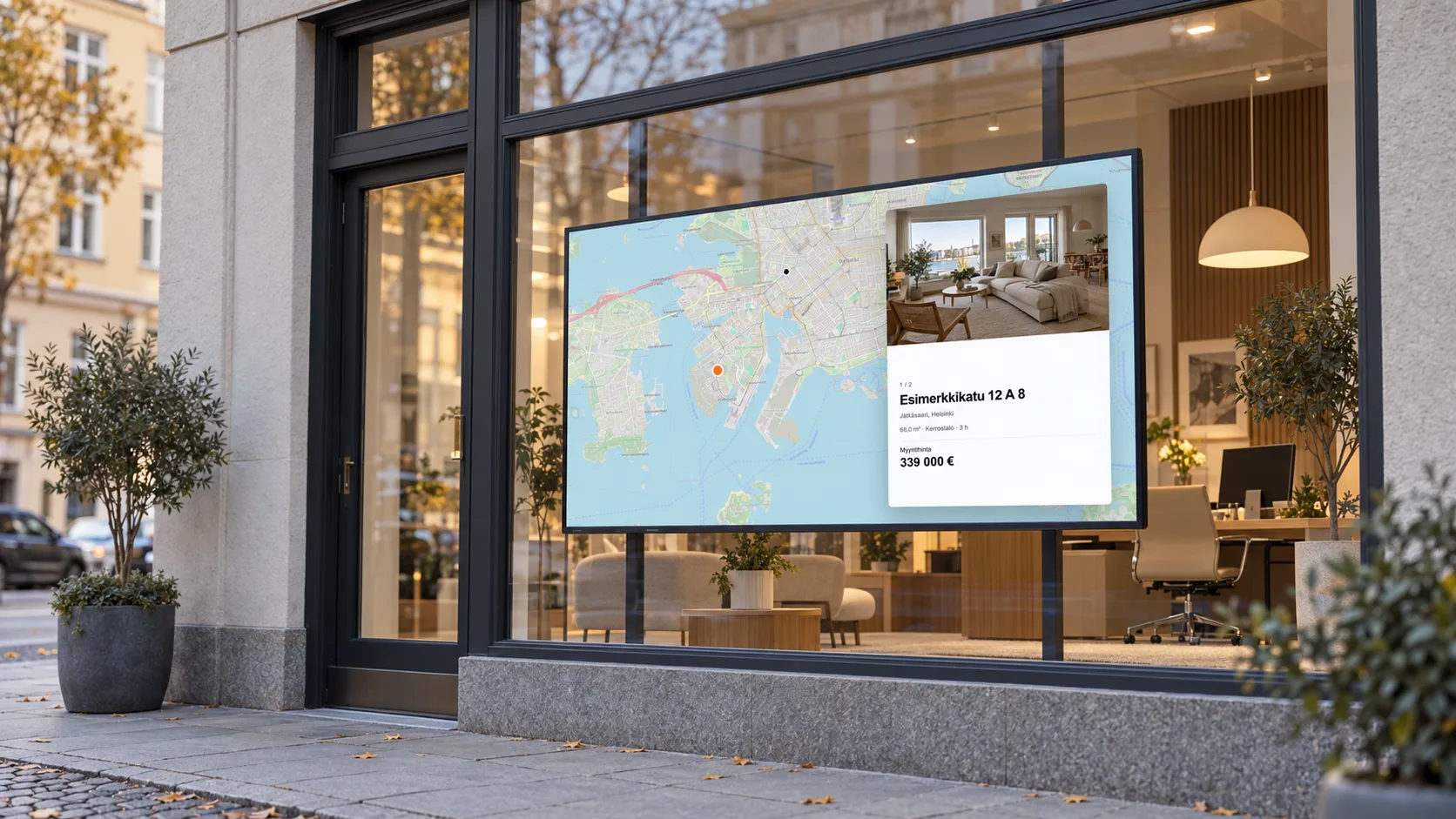
A map view for passers-by.
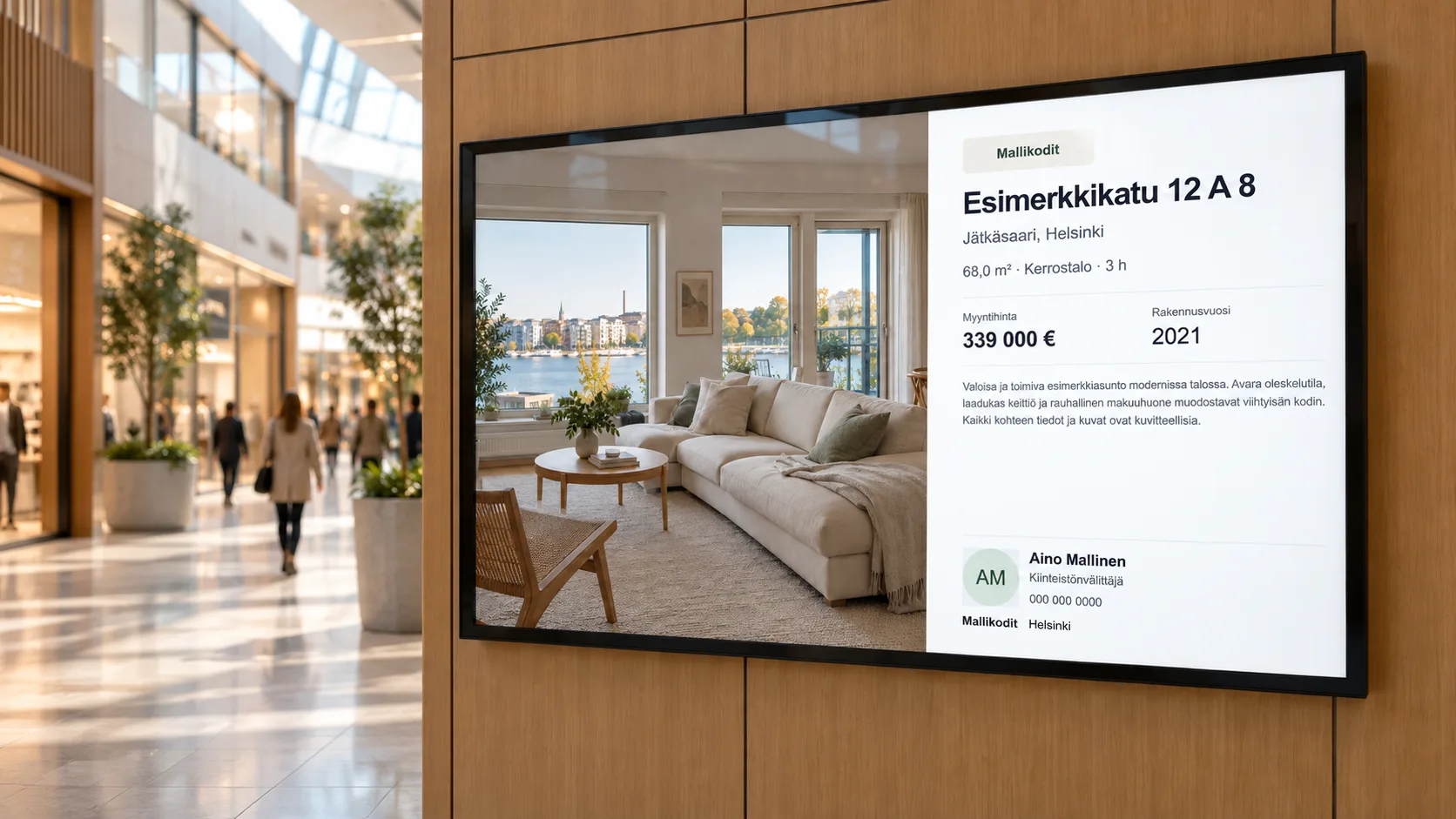
A property photo and details on one screen.
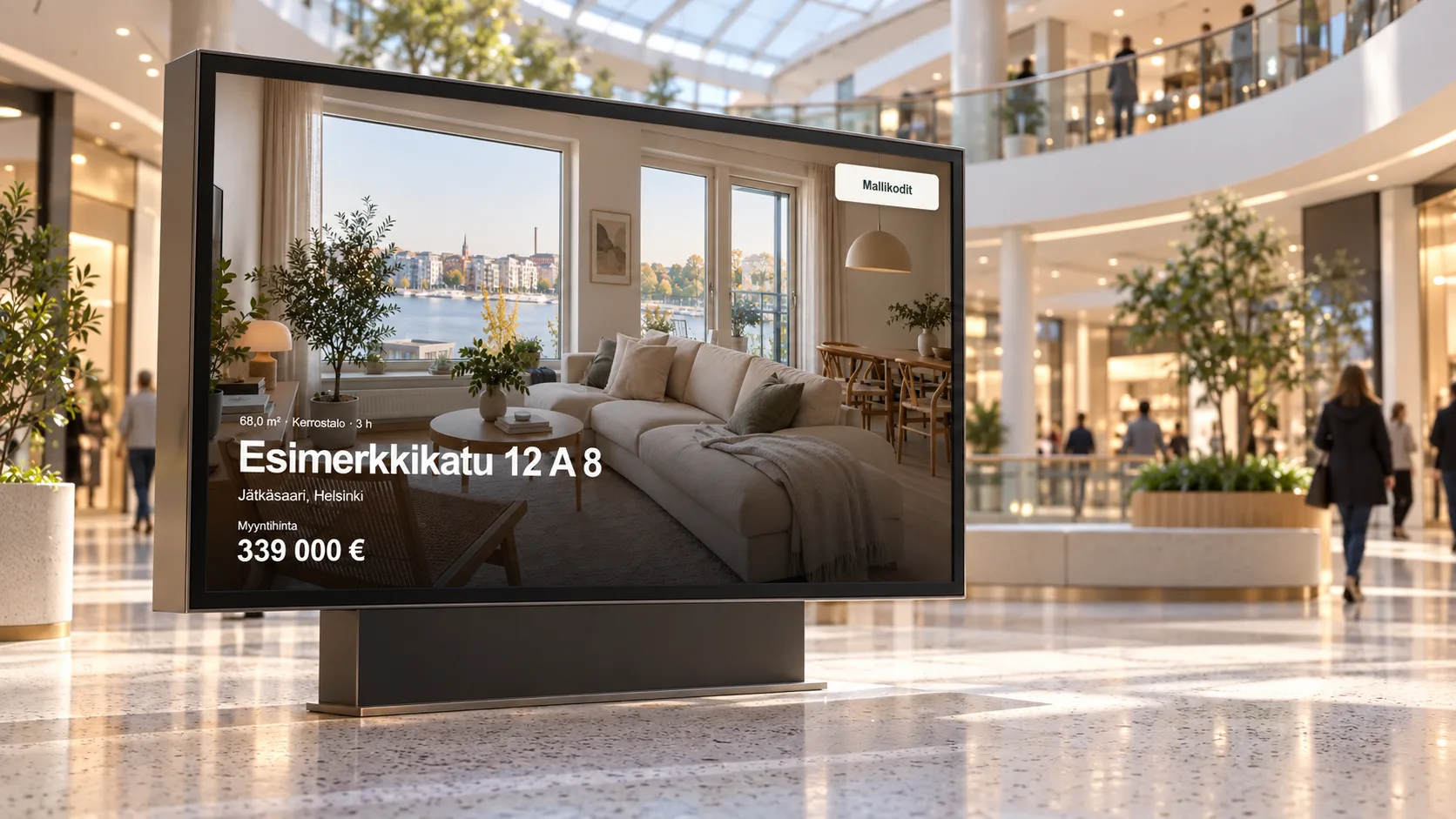
A property on display in a busy public space.
Visibility in search engines and AI search
Property page URLs, sitemaps and structured data help search services process the content. They do not guarantee indexing, rankings or visibility in AI answers.
Each active property has its own URL. Sitemaps help search engines find listings, and structured data describes their content. Sharing metadata defines link previews on social media.
Property sitemaps work with Yoast, Rank Math, SEOPress and AIOSEO. The SEO Framework includes active property URLs in its own sitemap.
Kohdesync provides its own sitemap and defines the primary URL for each property page, even when the site has no separate SEO plugin.
Flexible implementation
Tailor views to your audience or use the data as part of your own implementation.
Create pages for properties for sale or rent and filter listings by property category, postal locality, municipality, neighbourhood or region.
Kohdesync’s local APIs let you connect property data to other features and services on your site. We agree on the scope and any additional work separately.
Setup
We review the requirements together before installation.
We check your WordPress site’s technical compatibility before installation.
Linear, Kivi and OviPro are supported. Ask us about other systems.
Obtain API access from your CRM provider. We help clarify the process. Check any separate fees with your provider.
The interface and many field labels are translated into the languages below. On multilingual sites, we support Polylang, WPML and TranslatePress. Free-text property descriptions from the CRM are not translated automatically. Language support can expand as source APIs allow.
Let’s check compatibility and choose your first layouts together.
Arrange a trial
Kohdesync
We reply within 48 hours
Hi! Want to see your listings update automatically on your website? Send us a message and let's chat.